Take Your Office Online.Privately.

With Private-Cloud

  • It’s Freedom to Talk, Chat and Work anywhere. Privately.
  • It’s total Privacy for your Files, Data and Communications.
  • It’s total Control of your Privacy, Files, Data and Communications.
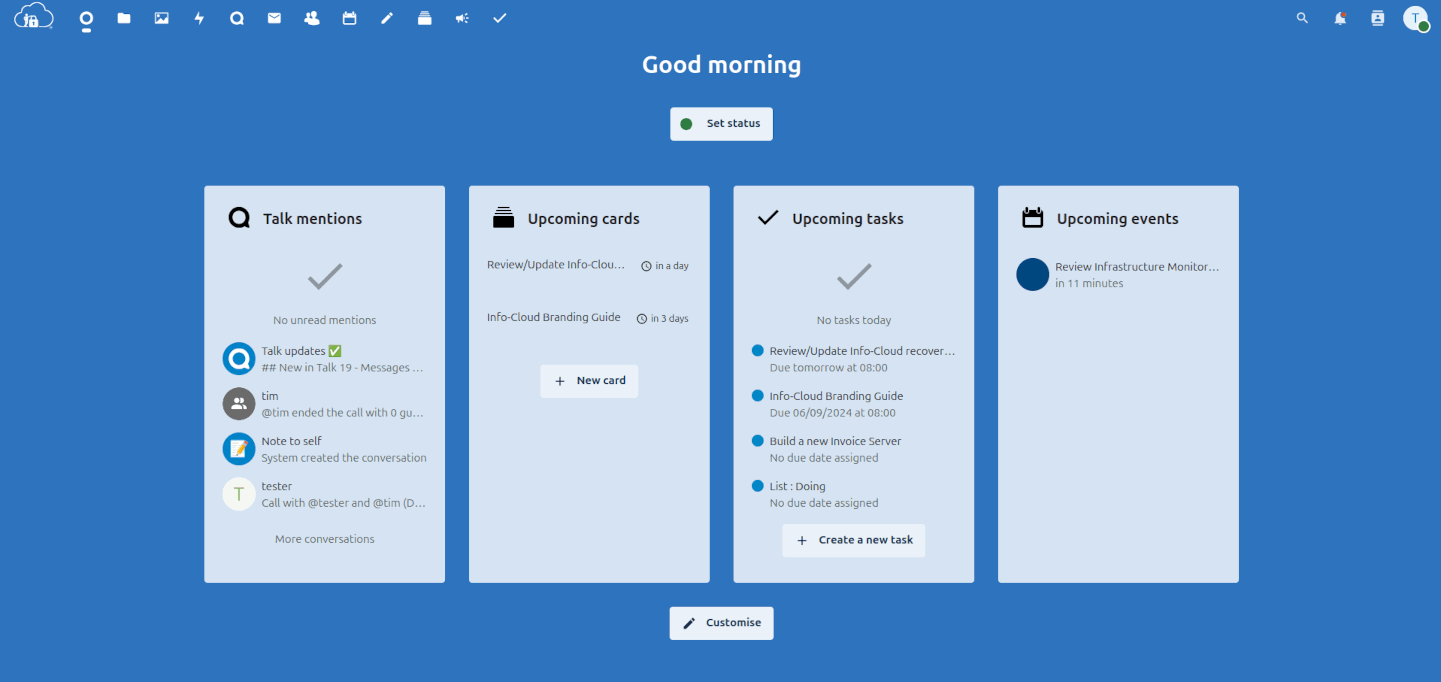
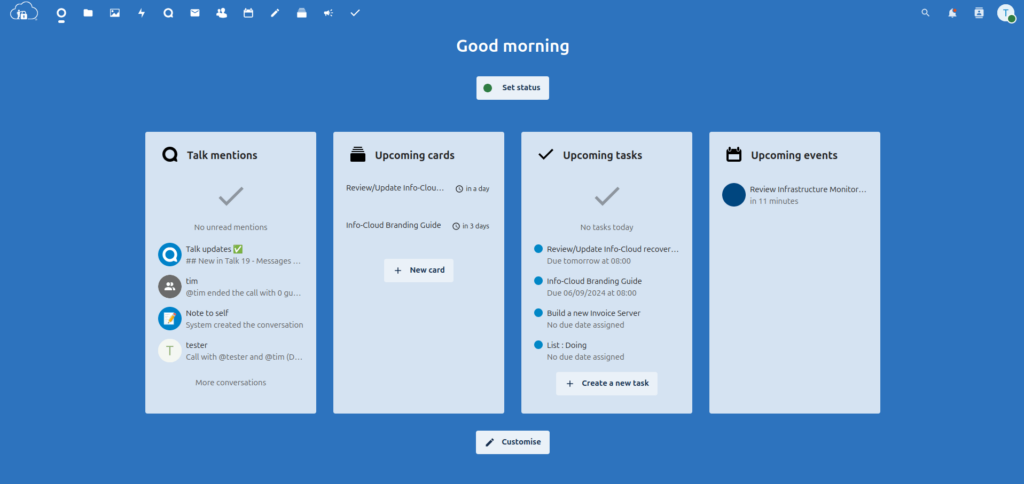
Your day, on a simple to read dashboard.
Your starting point of the day, an overview of your upcoming appointments, urgent emails, chat messages, incoming tasks etc.

They want you to think that more privacy means less flexibility. We're here to say that's not true.

Take Your Office Online For Private & Secure File Storage

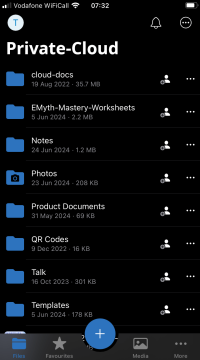
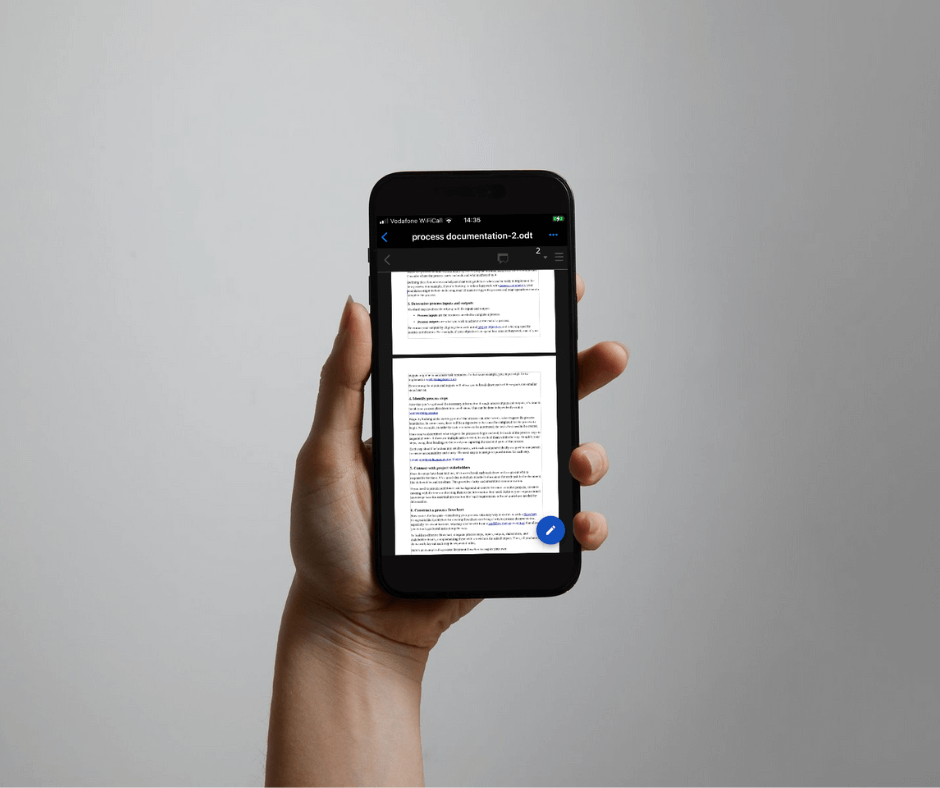
File access on mobile
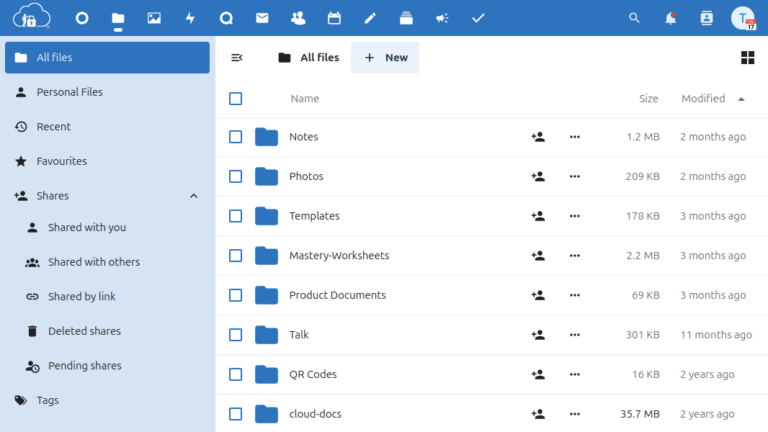
File access through a browser

Secure File Access

Instantly access your private files anywhere from your laptop or any other device without storing the files on the device…Genius. If your device gets stolen or lost the only thing missing is the device (Not all your hard work). Safe in the knowledge that your files are safe and secure on YOUR storage and only visible to  whoever YOU decide can see them.

Work in privacy on the move
Man receiving a file on a laptop

No Network Access?

If your going to a site and your not sure about network availability, simply use the desktop client to download the files you need. When your visit is complete, if you haven’t made any changes, delete the files.

Shared or lost laptop?

Left private files on a shared laptop or device? Simply login from a desktop and set the chosen device to remote wipe the files. Your files under your control. Always.

pexels-andrea-piacquadio-3783200-1

Freedom

Freedom to access your files whever you need them. Freedom to store your  data where you decide. Freedom to work your way  and not just like everybody else.

Privacy

Be as private as you want to be. Yes, that’s possible.

Control

Total control of your files. Know exactly who can access them. Decide where they are stored and where they are backed up. Total peace of mind.

There's more...

Take Your Office Online To Organise. Privately.

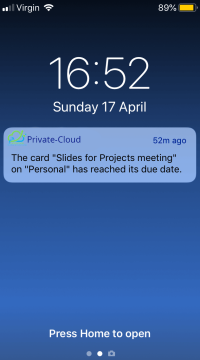
Send reminders of upcoming events to your devices.
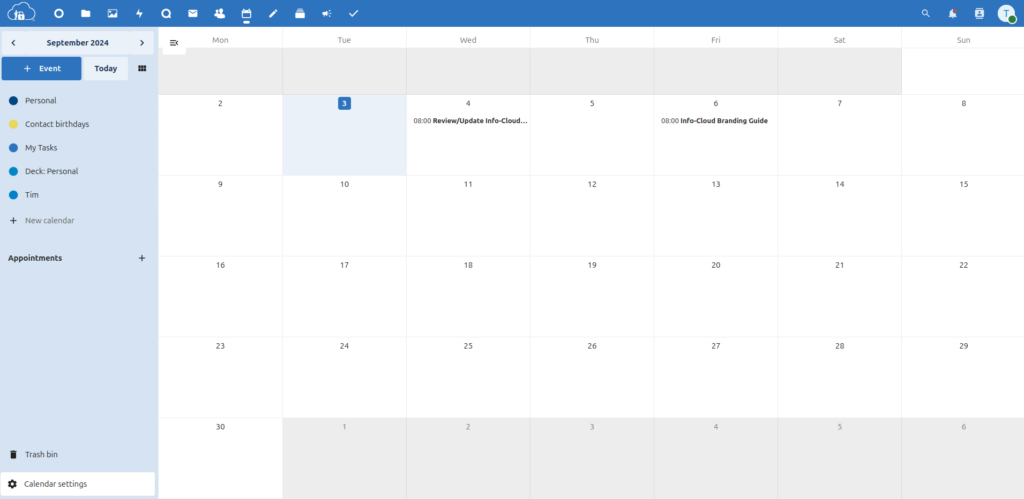
Clear and simple Private and shared calendars.

Private & Shared Calendars

Access your private files from your laptop or any other device without storing the files on the device…Genius. If your device gets stolen or lost the only thing missing is the device. Safe in the knowledge that your files are safe and secure on YOUR storage and only visible to  whoever YOU decide can see them.

Clear and simple Private and shared calendars.
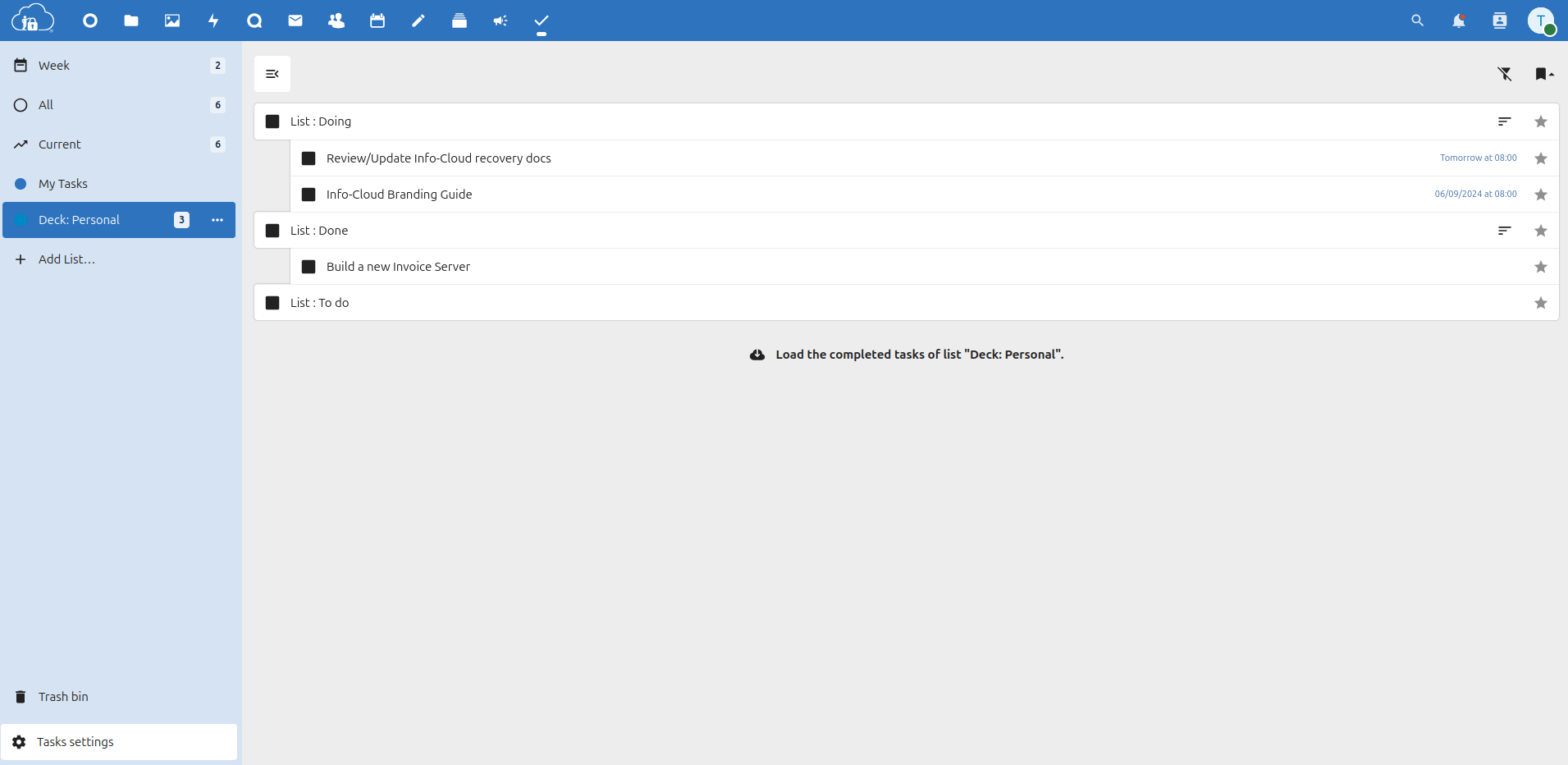
Simple task management.
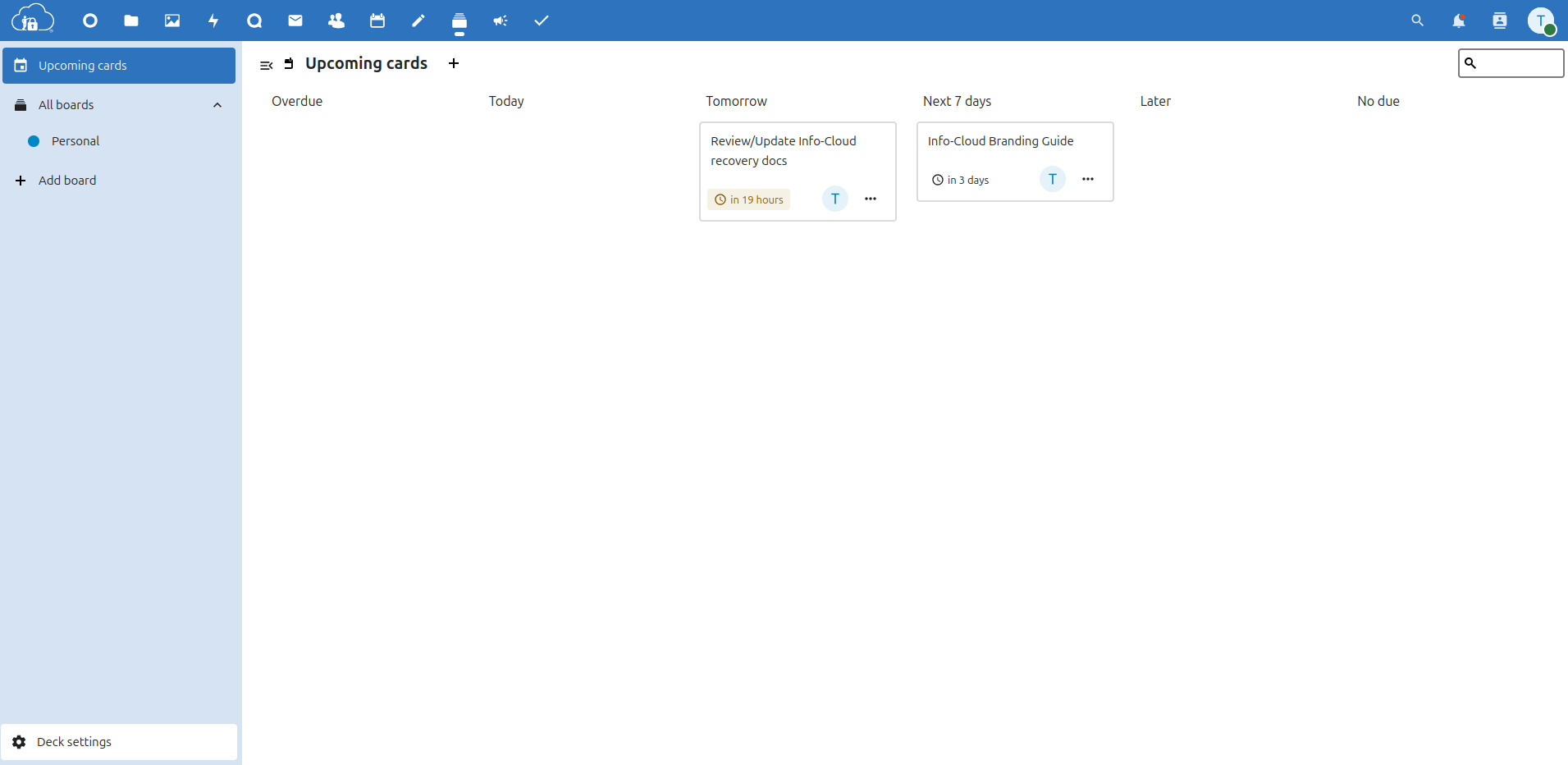
Kan Ban style project boards

Assignable Tasks and Kanban

You can add and delete tasks, edit their title, description, start and due dates and mark them as important. Tasks can be shared between users.

Set Reminders

Set reminders to keep your day on track. Get notifications on your devices about what’s next on your agenda. That headspace is best used for the job in hand rather than remembering the who, where and when. Just a gentle nudge to keep the flow. If you’ve got to carry a phone, you may as well put it to work.

Work in privacy on your mobile
Your day, on a simple to read dashboard.

Login. Then see and control your day. No more surprises.

There's more...

Take Your Office Online For Subscription-Free Document Creation and Management

With an online office suite with collaborative editing, which supports all major document, spreadsheet and presentation file formats and works in all modern browsers.
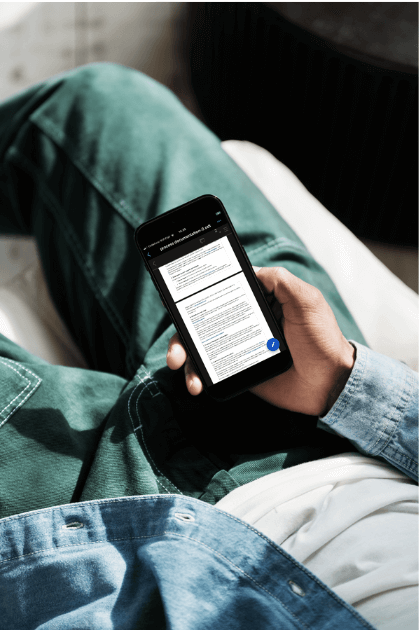
Mobile view of a file shared with a private link.
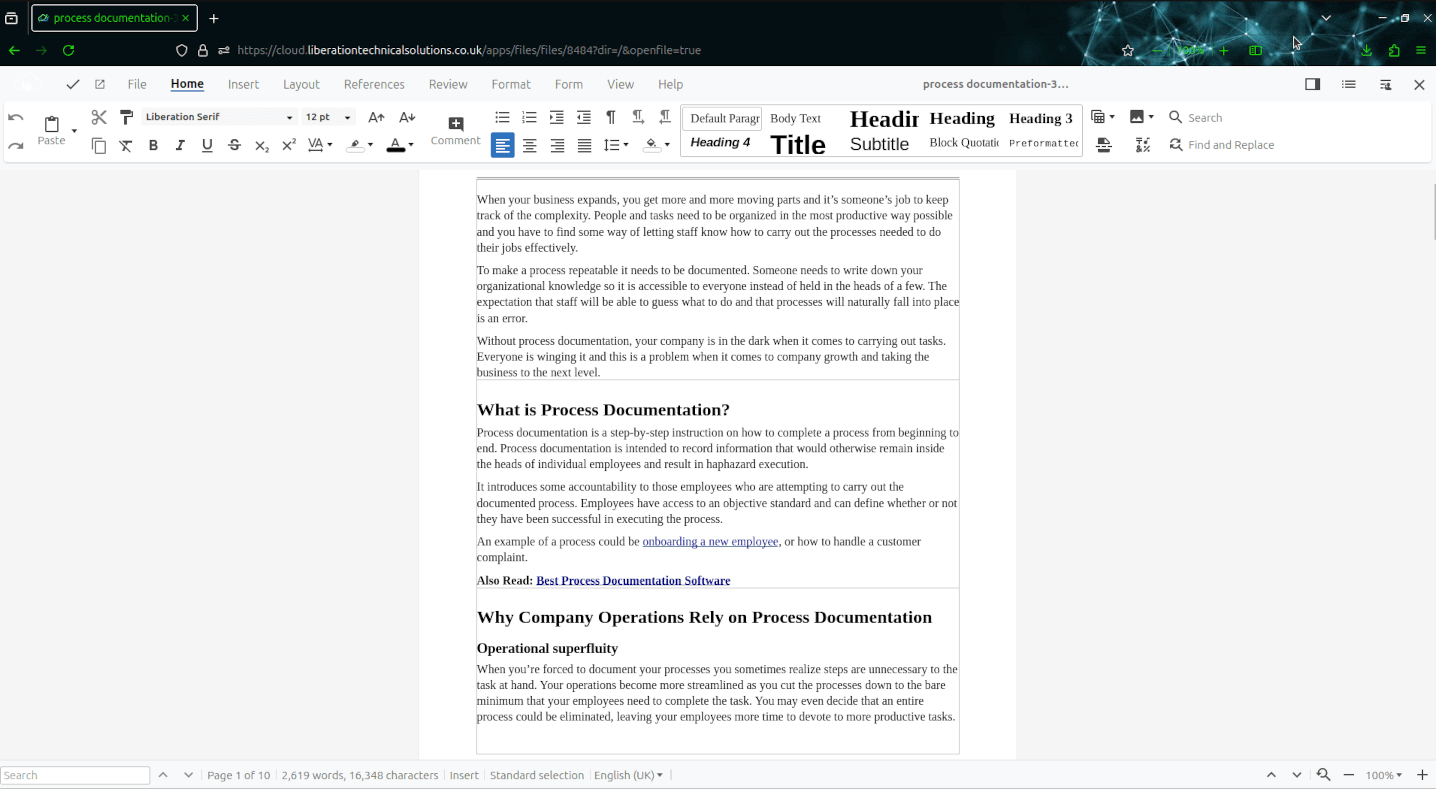
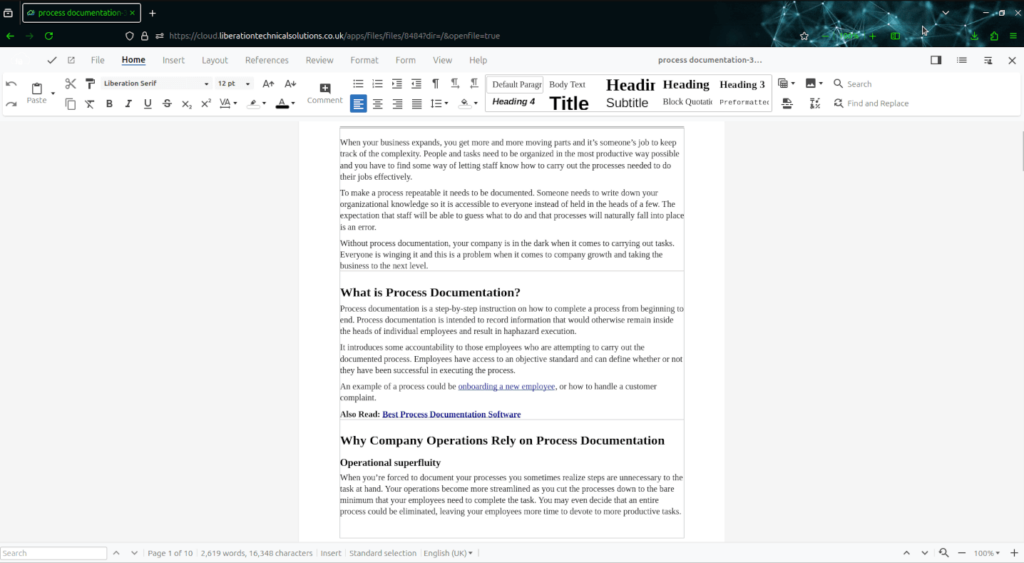
A screenshot of the office tool in Private-Cloud

Document Creation on the Web

No need for an office suite of tools to be installed locally on your device. Documents can be created directly in the cloud via a browser or they can be created locally and uploaded.

A full cloud document suite handling all major document formats. It features excellent interoperability with MS Office files

A screenshot of the office tool in Private-Cloud
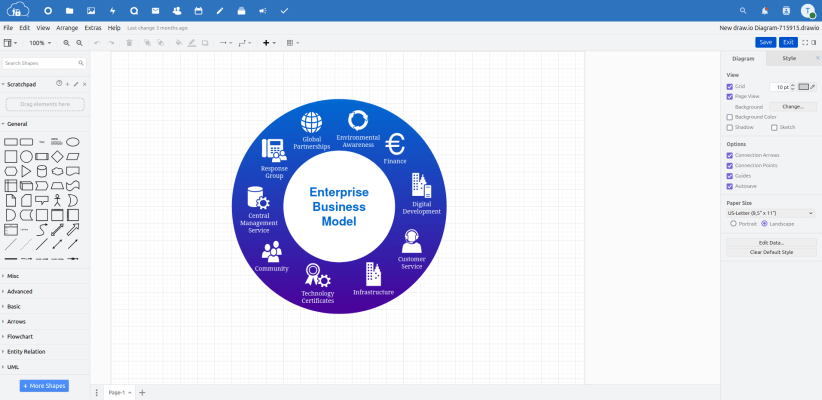
A screenshot of the diagram creation tool in use in Private-Cloud.

Create diagrams

Create diagrams such as flowcharts, wireframes, UML diagrams, organizational charts, and network diagrams.

Document Version Control

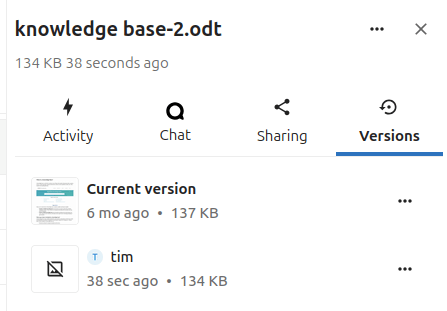
Easily roll-back to previous versions of a document or restore if deleted in error. Not all oops need to be painful.

A screenshot of the review of document changes in Private-Cloud.

Many document formats supported

.doc .docx .ppt .pptx .xls .xlsx .odf .odt publisher...

There's more...

Take Your Office Online For Private Communications

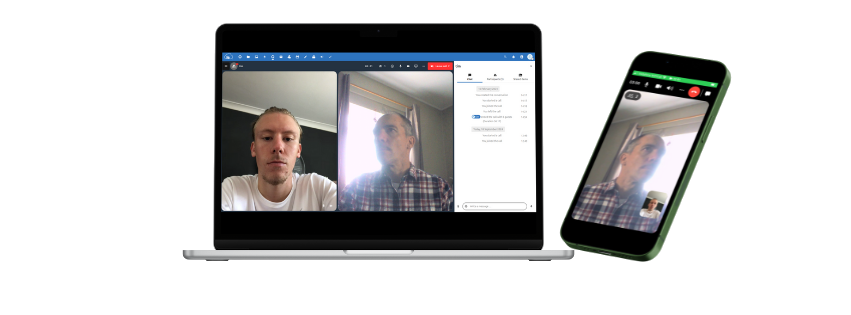
Private audio/video conferencing and text chat through browser and mobile interfaces
Private video calls. Anywhere.

Private Video Calls

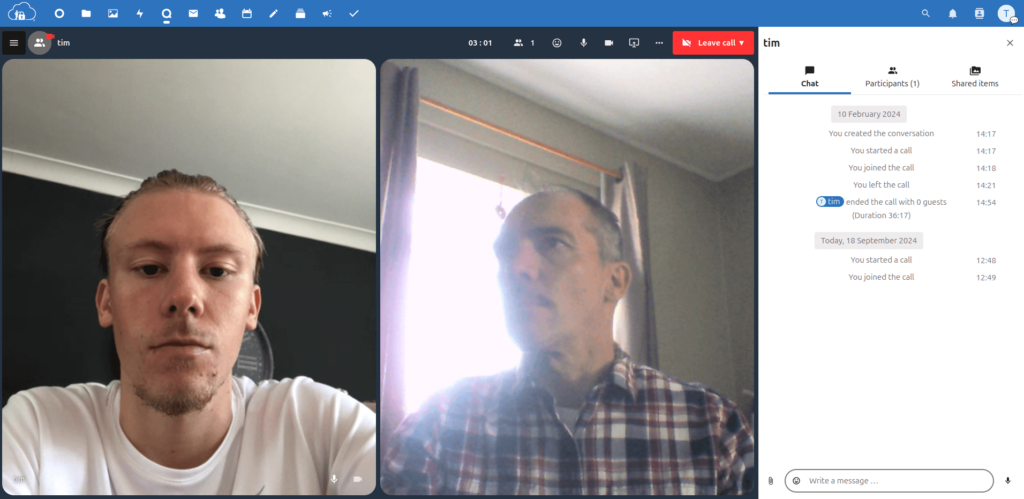
Which video call software do you use? Is a question you’ll never have to ask a client again. Just login through a browser and begin your call. All communications data always remains on your server, unlike popular alternatives like Microsoft Teams, zoom or Slack. Apps for iOS and Android allow you to video call privately, even on the move.

Screenshot of Private-Clouds truly private video calls
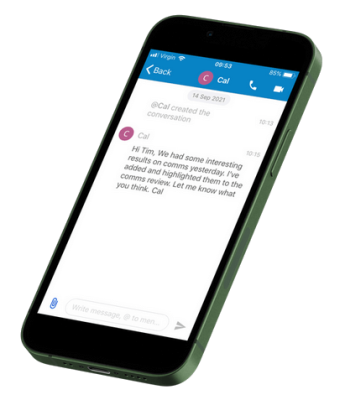
Messaging on mobile.

Private Messaging

A simple text chat, allowing you to share files from your Private-Cloud or local device and mention other participants.

Email simply doesn’t cut it for remote team communications. messaging is instant, responsive and flexible.

Chat with other users on the Private-Cloud. Users with the phone app will receive notifications of incoming messages.

Record Voice Messages & Attach Files

Because people aren’t available all of the time. It’s often easier to get important points and facts across in a voice message rather than trying to put them into words. Need somebody to look at a document, attach it. It’s just faster.

Screenshot of the simple tool to record messages and attach files in the Private-Cloud messenger

There's more...

Take Your Office Online For Private File Sharing

Share with clients and friends. Anywhere.
File access through a browser

Share files with a link

Click this link to view the document I’ve shared with you. No need for sharing tools to be installed locally on your device. Documents can be created directly in the cloud via a browser or they can be created locally and uploaded.

Access documents anywhere
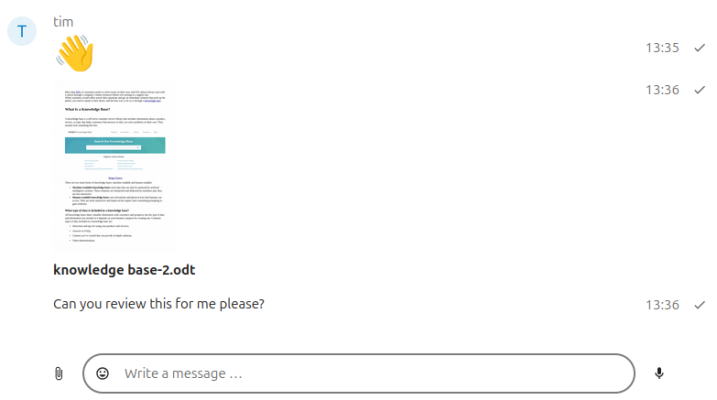
Screenshot of a file being shared in a chat conversation

Share Files within a chat

Create diagrams such as flowcharts, wireframes, UML diagrams, organizational charts, and network diagrams.

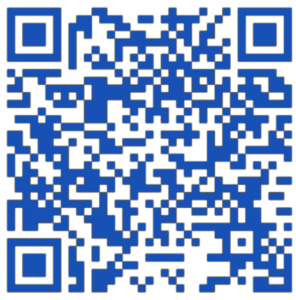
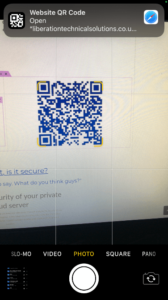
Share files with a QR Code

Share files externally easily without giving access to your Private-Cloud.

If you wish you can:

  • Prevent download
  • Set a password
  • Set an expiry date
Scan Me
Share files with a QR Code

There's more...

Take Your Office Online and Make It Yours

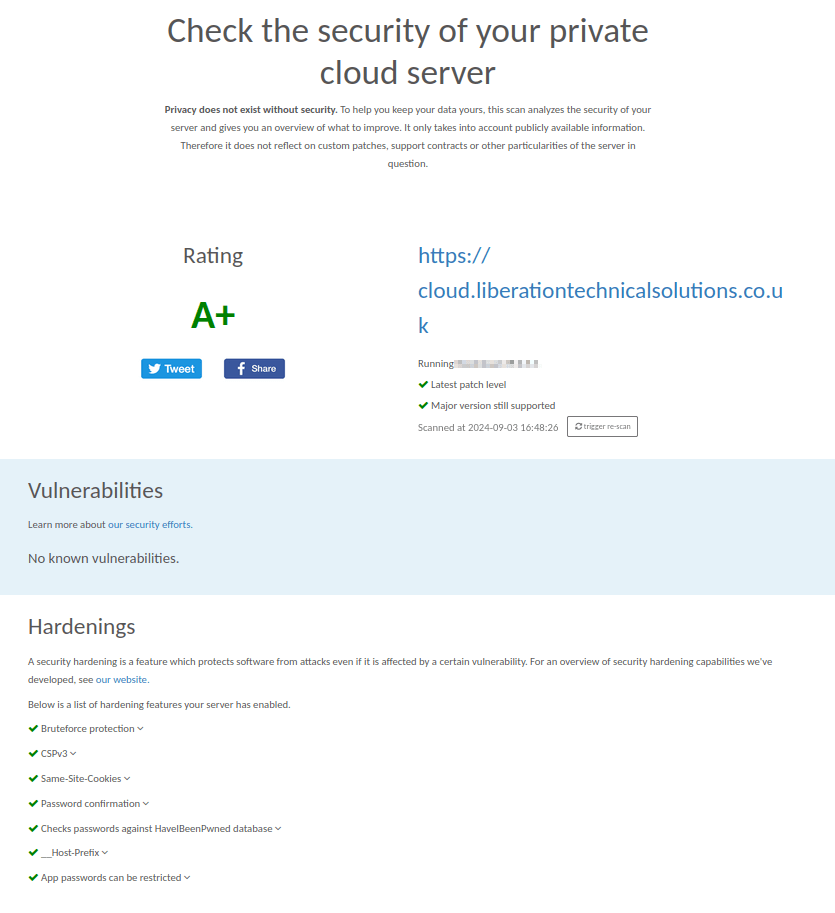
Is It Secure?

Well,Yes. But what do these guys think? That's what matters

Privacy is A+ Security
A+ Secured data
Access Your office anywhere within your own secure bubble

Talk with us and regain your Freedom, Privacy & Control